
How do I connect Stripe?
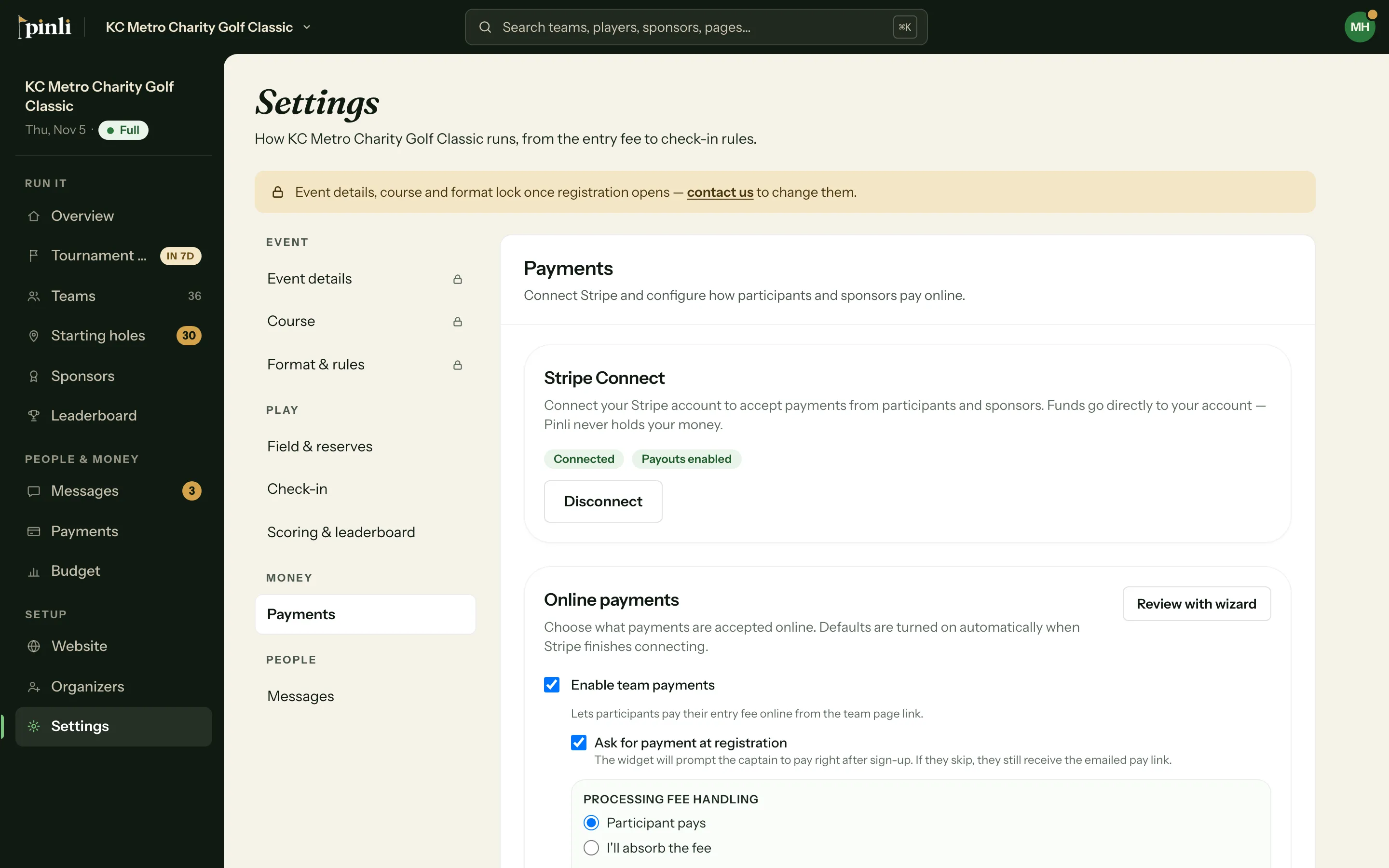
Go to Settings, then Payments, and click Connect Stripe Account. Stripe walks you through setup, and team and sponsor payments turn on when you're back in Pinli.
On this page
Pinli collects entry fees and sponsorships through your own Stripe account. Money goes straight from your teams and sponsors to you. Pinli never holds it.
Before you start: Stripe will ask who’s receiving the money (you or your organization) and for a bank account to pay out to. If you’re collecting for a nonprofit, have its EIN and legal name handy.
Connect your account
- Open your tournament and go to Settings → Payments. The Connect Stripe step on the Overview checklist goes to the same place.
- Click Connect Stripe Account. You’re sent to Stripe.
- Finish Stripe’s setup. When you’re done, Stripe sends you back to Pinli.
Once Stripe confirms your account, team and sponsor payments turn on automatically. Captains can pay when they register, and sponsors can pay when they sign up.
Choose who pays the card fee
The first time you connect, Pinli opens a short setup with three steps: team registrations, sponsorships, then a review. For each, you choose:
- Participant pays: the card fee is added at checkout, so you receive the full entry fee.
- I’ll absorb the fee: payers see the plain price, and the fee comes out of what you receive.
You can change these any time in Settings → Payments, or go through the setup again with Review with wizard.
Can I take cash or check too?
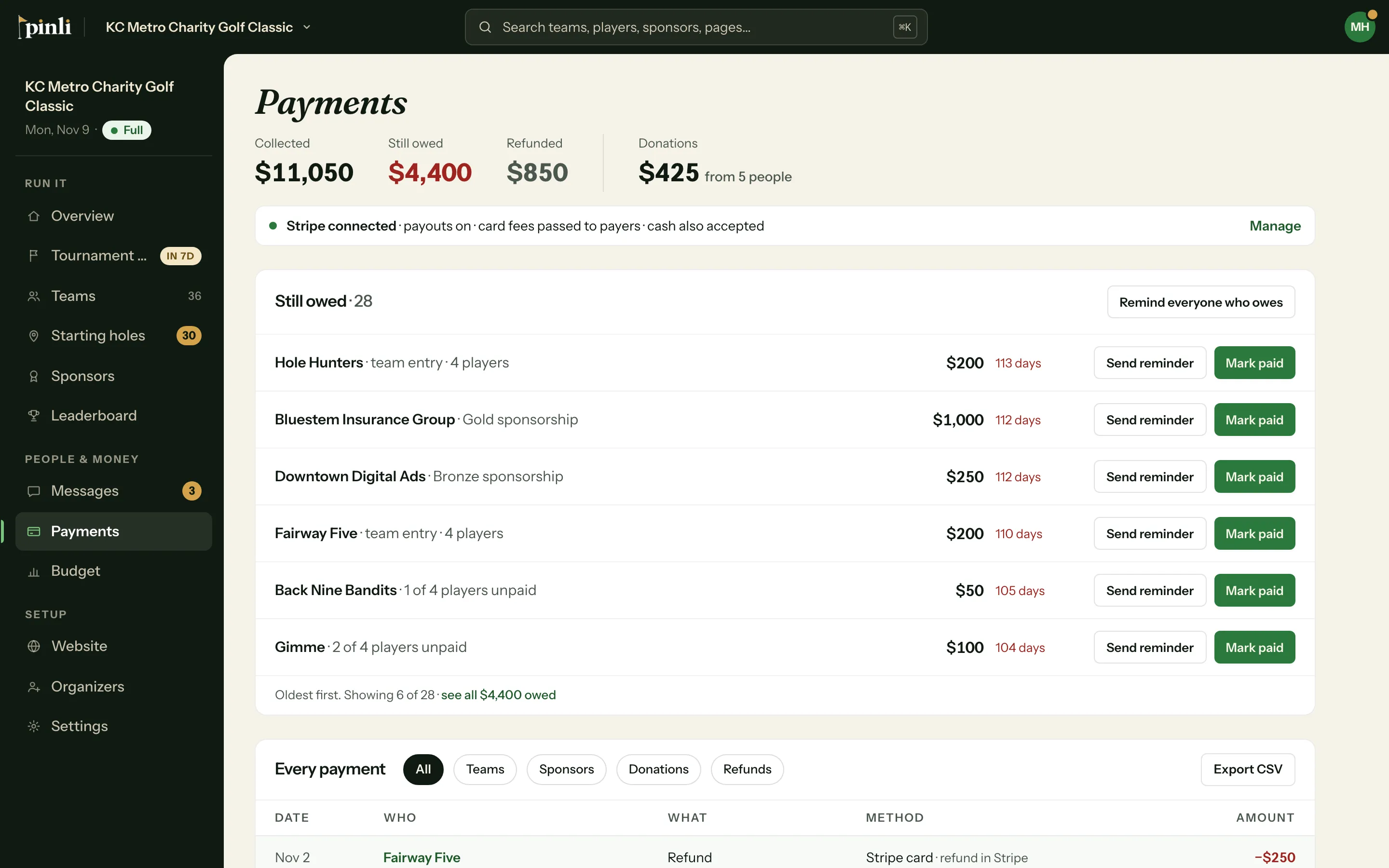
Under Alternative payment methods you can add a PayPal or Venmo link, accept cash or check on tournament day, and add a mailing address for checks. These show on team and sponsor pages. When someone pays outside Stripe, mark them paid from Payments or the team’s record.
Common questions
Can I connect Stripe during the free trial? Yes, and it’s worth doing early. Online payments start the moment you activate.
What does Stripe charge? About 2.9% + 30¢ per card payment, paid to Stripe. Pinli doesn’t add a per-payment fee.
Settings says “Stripe setup isn’t finished.” Stripe still needs something from you. Click Connect Stripe Account again to pick up where you left off.
Can I disconnect? Yes: Settings → Payments → Disconnect. Online payments stop until you connect again. Payments already made aren’t affected.