
Features
Everything you need to run your tournament
Pinli covers the whole event, from the first registration to the final scores, so your committee can spend less time on logistics and more time on your cause and your guests.
Your whole tournament in one place
Your dashboard shows every team, player, payment, check-in, and starting hole in one spot. Instead of keeping five spreadsheets in sync, everyone on your committee is looking at the same up-to-date information.
- Clear stages that walk you from planning to tournament day
- Reminders for anything you still need to set up
- Scramble and best-ball formats

Simple team registration
Teams sign up through a simple wizard that asks who their captain is, who their teammates are, and confirms the details. The wizard is exactly the same whether you're bringing your own website or using one built by us.
- Works on any website, including Wix, Squarespace, and WordPress
- Built for phones first, so it's easy for anyone to sign up
- Reserve and waitlist support, with tools for quickly shifting things around as you need it
The end of the day used to be the hardest part
Thirty-six paper scorecards, someone with a calculator, and a room full of golfers waiting to hear who won.
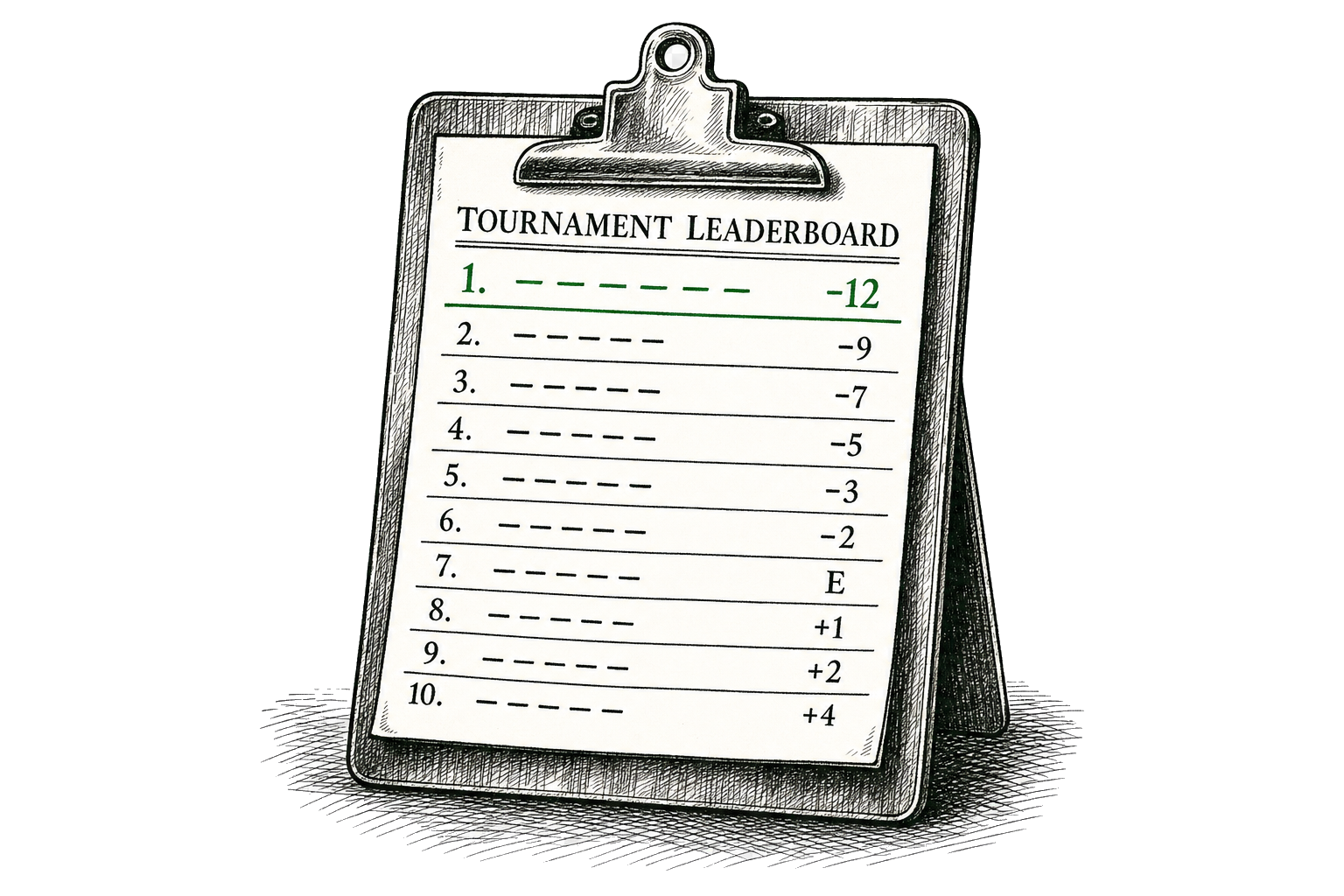
Live scoring and standings
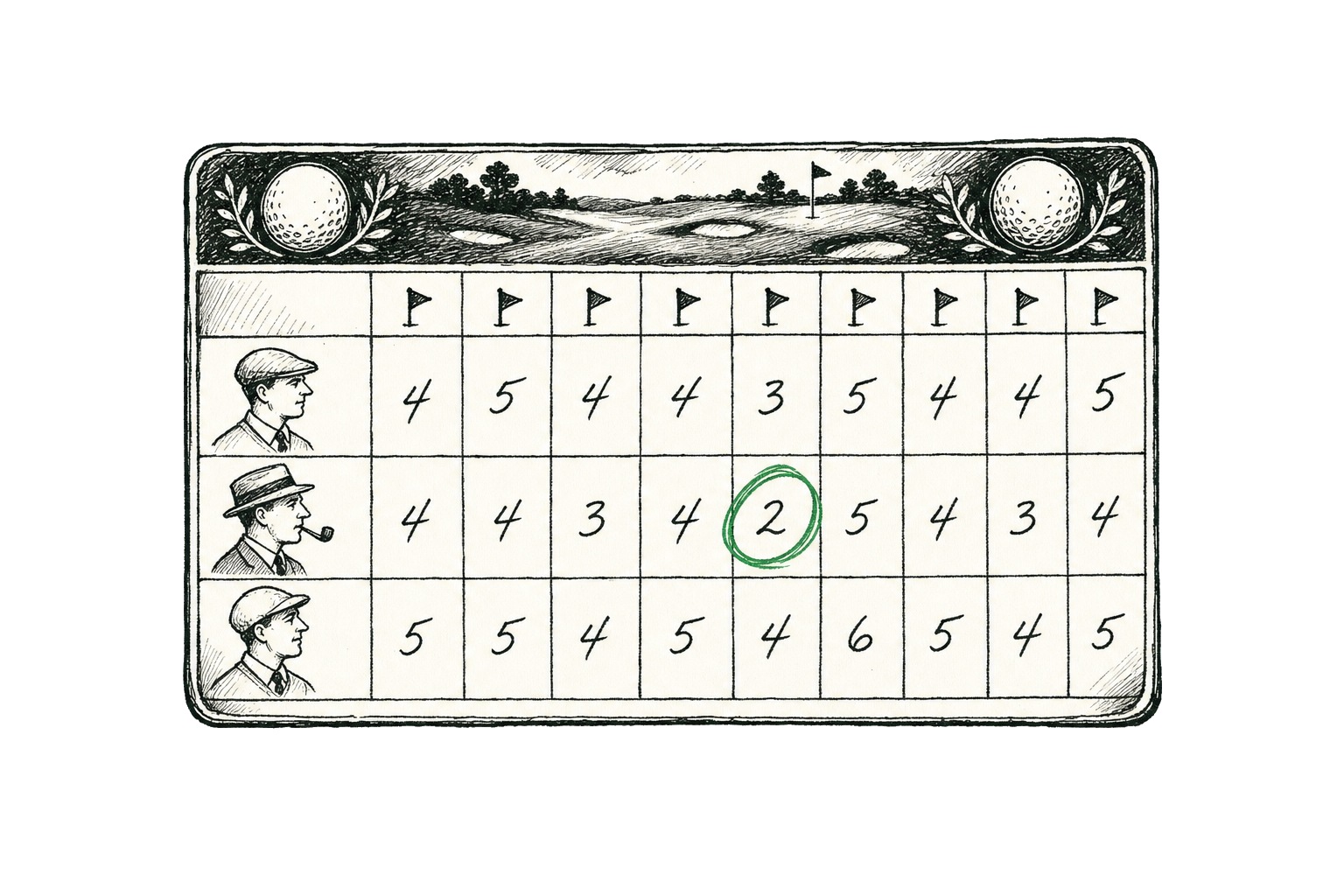
Players enter their scores hole by hole from their own phones, and the standings update as they go. Nobody has to collect scorecards or add anything up at the end of the round, so you can announce the winners as soon as the last group comes in.
- No app download or login needed for players
- Scores keep saving in dead zones when players add the scorecard to their home screen
- Teams are ranked automatically, with par and distance for every hole
- A public leaderboard you can share with guests and sponsors

Your own tournament website
Pick a layout and a style, then make it yours with your own colors, fonts, logo, and photos. Publish it at yourname.pinli.io and registration, sponsor signups, your schedule, and event details are all built in. You can also tell your guests why the tournament exists, with sections for your story and where the money goes.
- Two layouts and six styles to mix and match, then adjust the fonts, colors, corners, spacing, and page width
- Upload your own logo and photos
- Sections for your story, where the money goes, and what each entry supports
- A contact form that sends each question to the right person on your committee
- Published to your own pinli.io address
- ...or plug in your existing website
Sponsorships that pay for the tournament
For most charity tournaments, sponsors bring in as much money as team entry fees do, so we put a lot of work into making them easy to manage. You set up your own sponsorship levels, include team spots with them if you like, and sponsors can sign up on their own.
- Your own sponsorship levels with names, prices, descriptions, and limits
- Levels can include team spots that sponsors fill in when they sign up
- Sponsors can hand each team to a different captain, so their CEO doesn't have to organize the foursome
- Sponsors can upgrade to a higher level later on
- The sponsor signup works on your existing website too
- Each sponsor gets their own page to update their details until they've paid
- Show sponsor logos and levels on your tournament website, or only the ones who have paid

Know what your tournament will raise
Every tournament has a budget that shows what your event will bring in for your cause, before the first team signs up. You can build it line by line, or let the setup wizard draft one from your expected teams, entry fee, sponsor levels, and course costs. As teams and sponsors pay, the actual numbers fill in on their own.
- Projected and actual numbers side by side for every line
- See how a full field compared to a partial one changes what you raise
- Track your break-even point and progress toward a fundraising goal
- Mark donated items without inflating your cash total
- Print a summary for your board or export everything to a spreadsheet
Next year starts from this year
Most charity tournaments happen every year, so we made it easy to pick up where you left off. Mark your tournament as an annual event, and when it's time to plan the next one, Pinli starts it from last year's. Your sponsorship levels and your website come along with it, so the second year is even easier to set up than the first.
- Start next year's tournament from last year's in a few clicks
- Your sponsorship levels and website carry over
- Each year is numbered for you, like the 2nd or 10th annual
- Invite last year's players back in one click
Keep everyone in the loop
Send emails to captains, players, or your whole field for reminders, weather updates, last-minute changes, and thank-yous after the round. During the event you can also post announcements that show up on every team's page. Send them right away or schedule them ahead of time.
- Email your whole participant list
- Announcements on every team's page during the event
- Send now or schedule for later
- Unsubscribes are handled for you
Tools for tournament day
Teams can check themselves in from their phones before they get to the course, so your registration table isn't a bottleneck when everyone shows up at once. You can still check players in from any device, print a start sheet for the pro shop, and handle last-minute team changes.
- Teams check themselves in from their team page ahead of time
- You choose when check-in opens, up to a week before the tournament
- Captains get a confirmation email with their scorecard link
- Check in one player at a time or a whole team at once
- Give players their scorecard at check-in with a QR code or a text
- Print a start sheet in one click
- Assign a starting hole to every team
Run tournament day from your phone
Our iPhone app lets you check players in, follow live scoring, and hand out scorecards from anywhere on the course, without a trip back to the clubhouse.
- Check-in, teams, sponsors, and live scoring
- Hand out scorecards with a QR code or a text
- Available on iPhone now, with Android coming soon
Embed anywhere
Already have a tournament website? Pinli works with it.
Add a small piece of code to your existing site, whether it's on Wix, Squarespace, WordPress, or something custom. Players sign up right on your site, without being sent somewhere else or having to create an account.
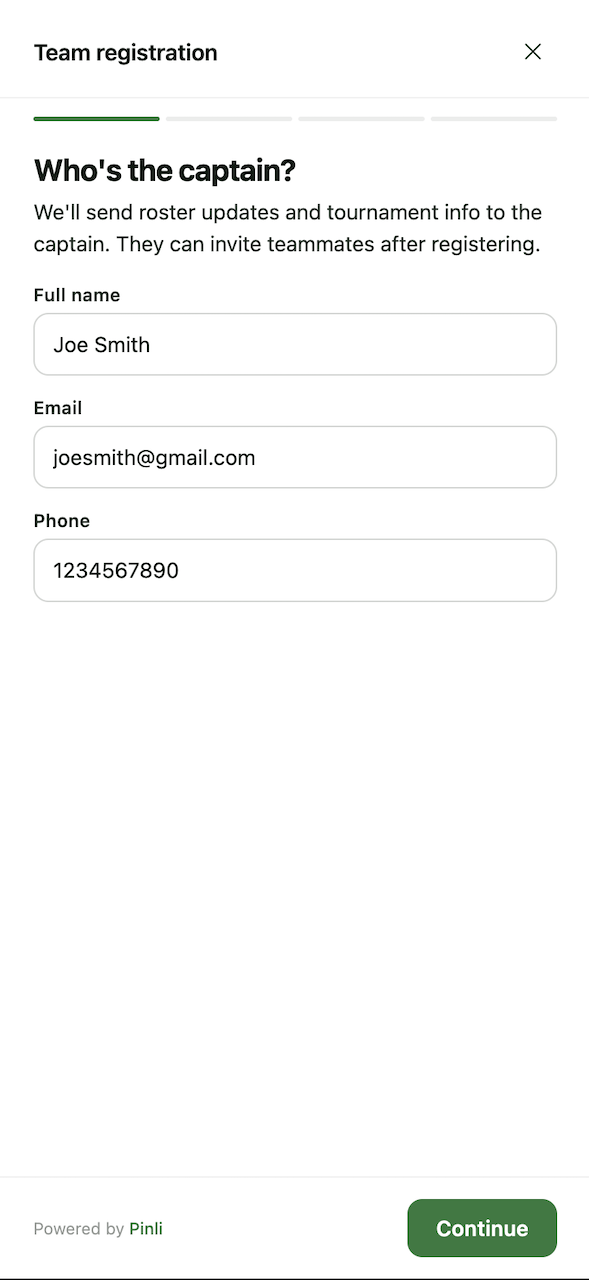
Step-by-step signup
Players go through captain, team, teammates, and confirmation one step at a time on any screen size. If something is missing, the wizard tells them what to fix, and their progress is saved as they go.
Won't slow down your site
It's one small snippet to paste in, and the signup only loads once someone clicks the button, so your site stays as fast as it is today.
Sample of embed code
<button data-pinli-action="register">Register your team</button>
<script src="https://content.pinli.io/embed/registration-widget.js"
        data-tournament-id="..." defer></script>
Team registration
Captains enter their team, confirm reserve status if the field is full, and get a confirmation email, all without leaving your site.
Sponsor sign-up
Sponsors pick a level, see which spots are still open, and sign up as a business or an individual. If their level includes teams, they can fill those in too.
Active teams
Show a live list of registered teams on your site. It's a nice nudge for anyone still deciding whether to sign up.
Don't have a website yet? We'll host one for you at your-tournament.pinli.io,
and the same signup works there too.
And everything else
A few more things that help your tournament run smoothly.
Roles for your committee
Owners and organizers can manage the tournament, while players only see their own team's information.
Reserve & waitlist
Hold reserve spots for overflow teams. Captains know they're on the reserve list when they sign up.
Automatic emails
Confirmations, captain links, payment links for teammates, and organizer notifications are all sent automatically.
Online payments
Collect entry fees through Stripe, paid straight to your account, and see who has paid on every team.
Team pages
Every team gets its own link. Captains manage their roster and teammates can check their status, with no account needed.
Public leaderboard
A live leaderboard that players, guests, and sponsors can follow during the round.
Works on any device
Pinli works on phones, tablets, and computers, whether you're at home, in the clubhouse, or out on the course.
Safe and secure
Payments are handled by Stripe, accounts are email-verified, and team and sponsor pages are only reachable through their own private links.
Organizer invitations
Invite others to help run your tournament. They can accept from the email or from their dashboard.
Printable start sheet
Print a start sheet for the pro shop with one click.
Organizations
Keep your tournaments together under a club, league, school, or nonprofit, and invite members so everyone stays in the loop from year to year.
See it for yourself
You can set up your first tournament in a few minutes, and you don't need a credit card to get started.