
Why can't a team change its roster after paying?
Once a player has paid, the captain can't edit or remove them from the team page. You can still fix any player's name, email or phone from the team in Teams.
A paid seat belongs to the person who paid for it. So once a player is marked paid, the captain can’t quietly swap them out. That keeps your record of who paid and who’s playing straight.
What can the captain still change?
On the team page, the captain can:
- Add teammates to open spots
- Edit or remove any player who hasn’t paid
- Rename the team
Once a player is paid, the Edit button next to them goes away. The captain can’t change their details or remove them. The captain can never remove themselves.
Fix a paid player yourself
When a captain needs a change, they’ll come to you. You can edit any player, paid or not.
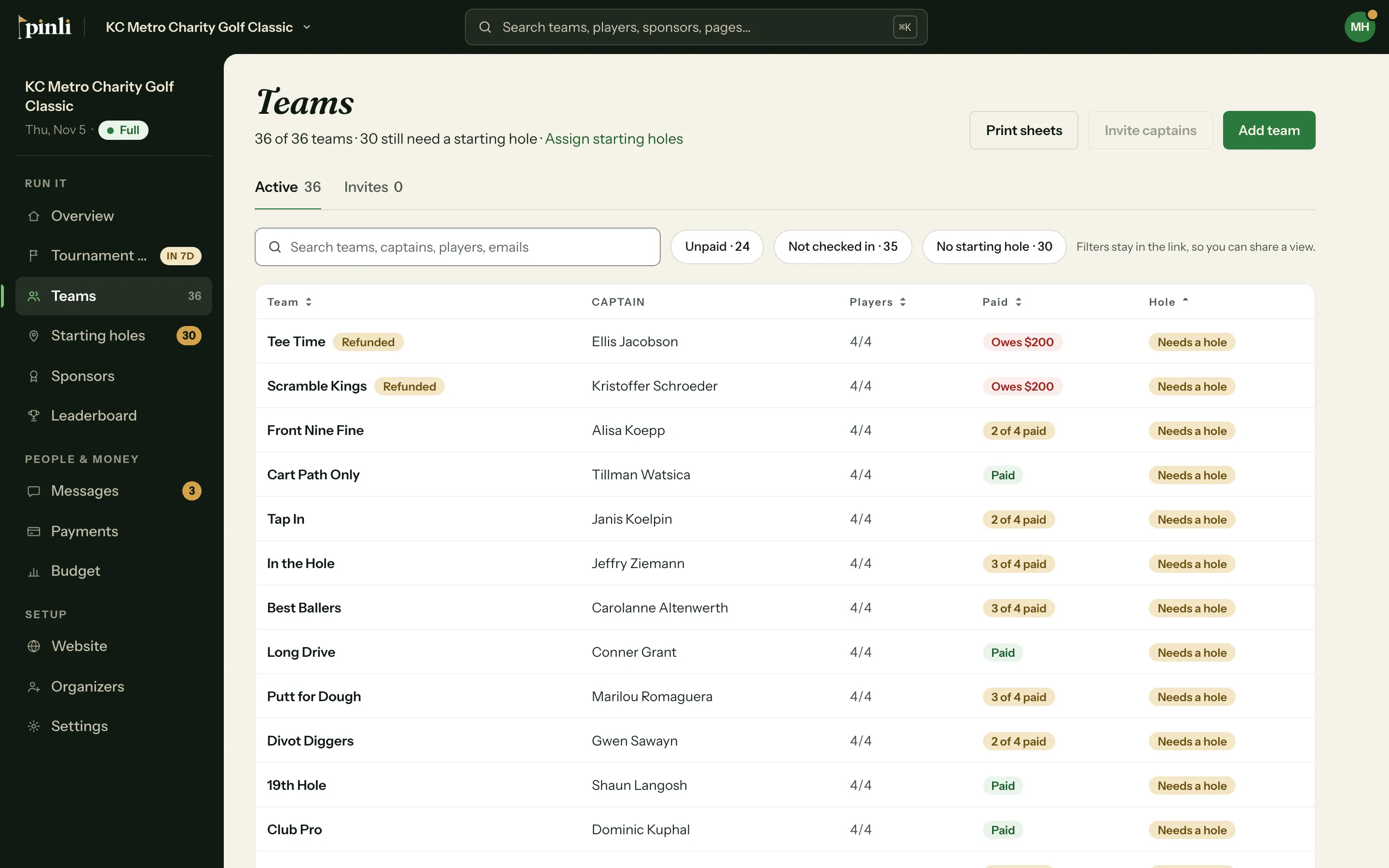
- Go to Teams and click the team.
- In Players, click the player’s name.
- Change the name, email or phone, and click Save changes.
To swap in a new player, replace the old player’s name and email with the new person’s. The seat stays paid. Changing the email sends the team link to the new address.
Common questions
A captain typed the wrong email for a teammate who already paid. Fix it from the team in Teams, the same way. The corrected address gets the team link.
Can I mark a player unpaid so the captain can edit them? You can for players marked paid by hand. Players who paid online can’t be marked unpaid. That’s a refund, which you issue in Stripe. Editing the player yourself is quicker either way.
The captain paid for the whole team and some seats say “TBD - Paid Golfer.” Those are paid placeholder seats. When the captain tells you who’s playing, click each TBD in the team’s Players section and enter the real name.