
How do I invite last year's players?
On Teams, open Invites and click Invite past participants to email last year's captains or players a link to register. You can also invite anyone by email with Invite captains.
Your best registrations come from people who played last year. Pinli can email them a link to sign up again, and track who comes back.
Before you start: invites need somewhere to send people, so publish your tournament website first. Sending invites also needs an activated tournament.
Invite last year’s field
This works when this year’s tournament is in the same series as last year’s, which it is when you created it with Plan next event. Only the tournament’s owner can send these.
- Go to Teams and open the Invites tab.
- Click Invite past participants.
- Choose who to email:
- Past captains only: one email per team. The captain brings their roster back. This is the one to pick most of the time.
- All past participants: every player from past events. Teammates may end up registering separately.
- If you have both a Pinli site and your own website, pick which one the email sends people to. The other shows as a second link.
- Check the count and click the send button, like Send 12 invitations.
Pinli skips anyone who’s already registered, already invited, or unsubscribed from your tournament’s emails.
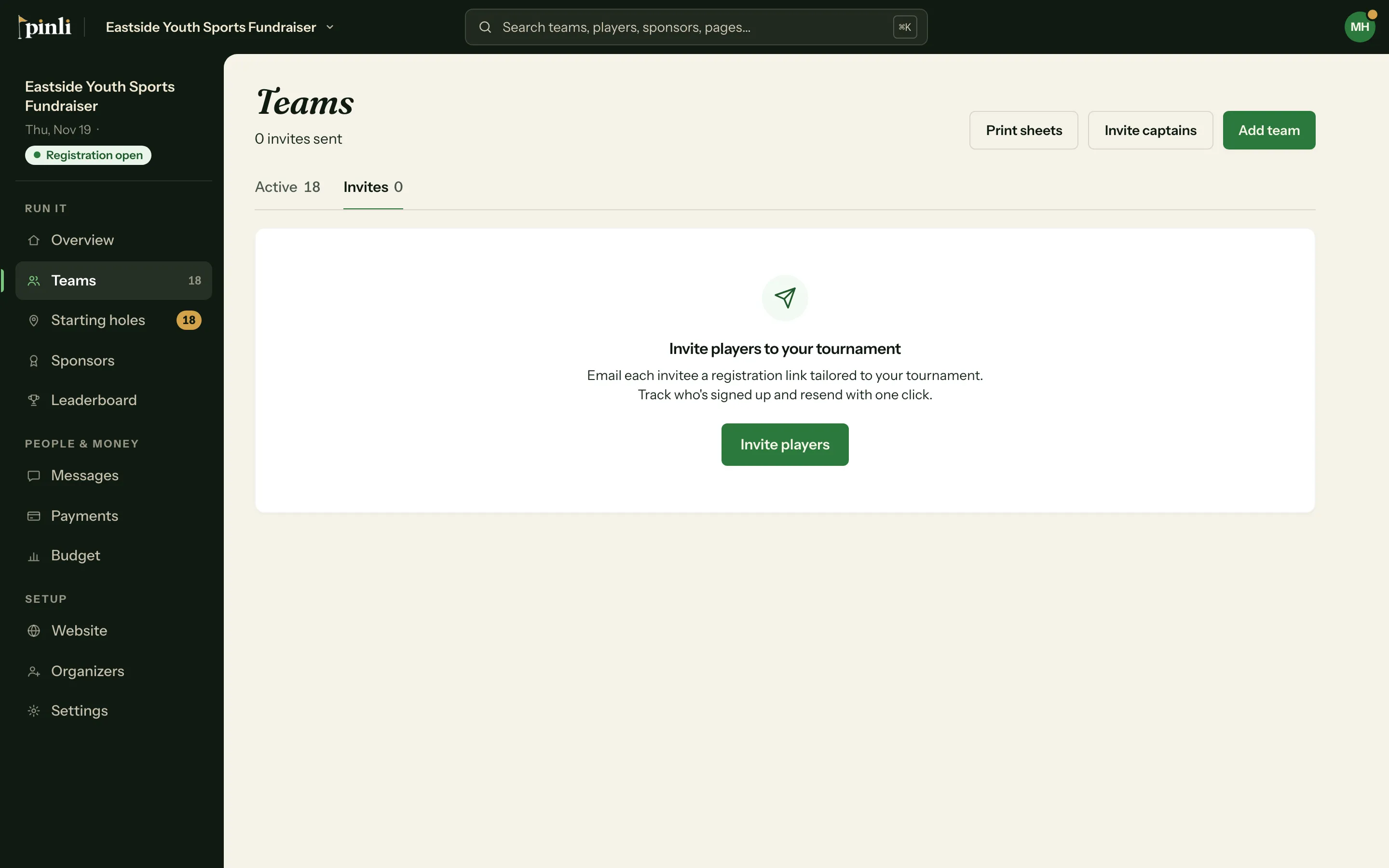
Invite anyone by email
For new captains, or a list you keep yourself:
- On Teams, click Invite captains.
- Paste email addresses, separated by commas, semicolons or new lines.
- Click Send invites. Each person gets a link to your registration page.
Track who’s signed up
The Invites tab lists everyone you’ve invited. When an invited person registers, their invite shows Registered. Otherwise it shows Pending, and Resend sends it again.
Common questions
Why is Invite captains greyed out? Either your field is full, or there’s no tournament website to send people to yet.
Is there a limit? Yes. Each tournament can send up to 200 invites in total.
Where do replies go? Replies to past-participant invites go to the reply-to address in Settings → Messages, or to you if it’s blank.