
How do I pay for my sponsorship and send my logo?
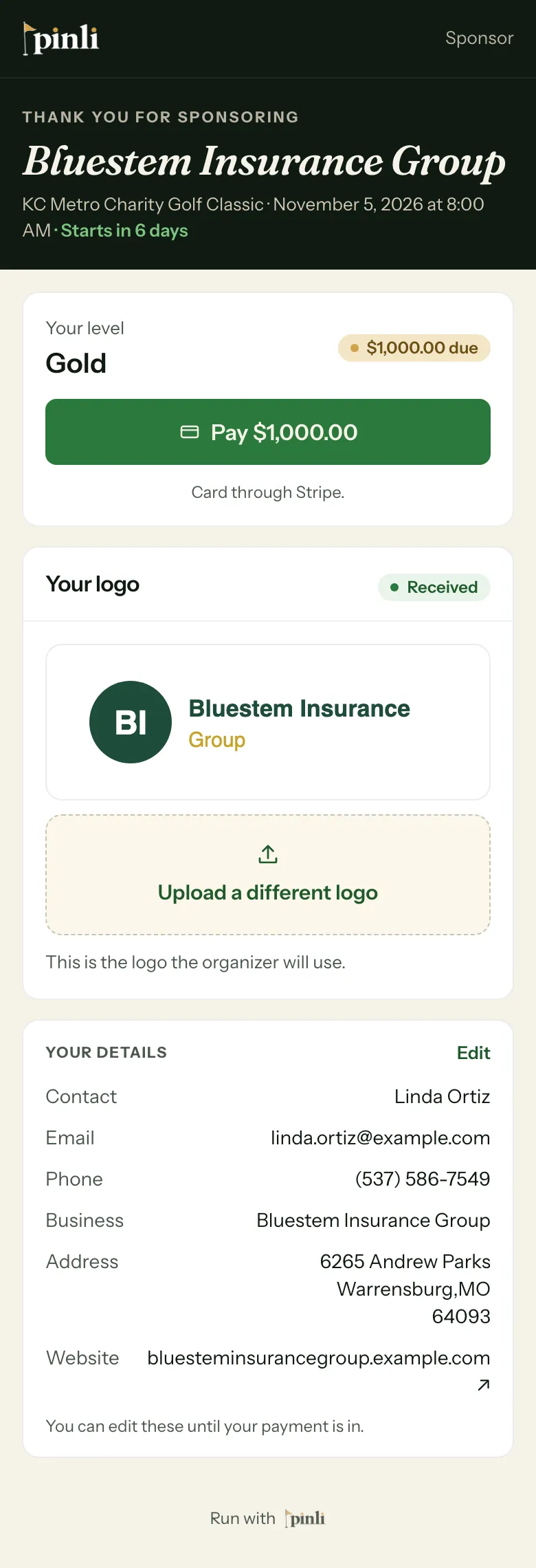
Open your sponsor page from the link in your confirmation email. Tap Pay to pay by card, and use Upload your logo to send it. No logo? Your name is shown instead.
On this page
Everything about your sponsorship lives on one page: your level, your payment, your logo and any teams included with it.
Before you start: find the email you got when you signed up. It has a link to manage your sponsorship. That’s your sponsor page. There’s no account or password.
Pay for your sponsorship
Your page shows your level and what’s due.
- Tap Pay. The button shows the amount.
- Tap Continue to payment.
- Enter your card details and tap Pay to finish.
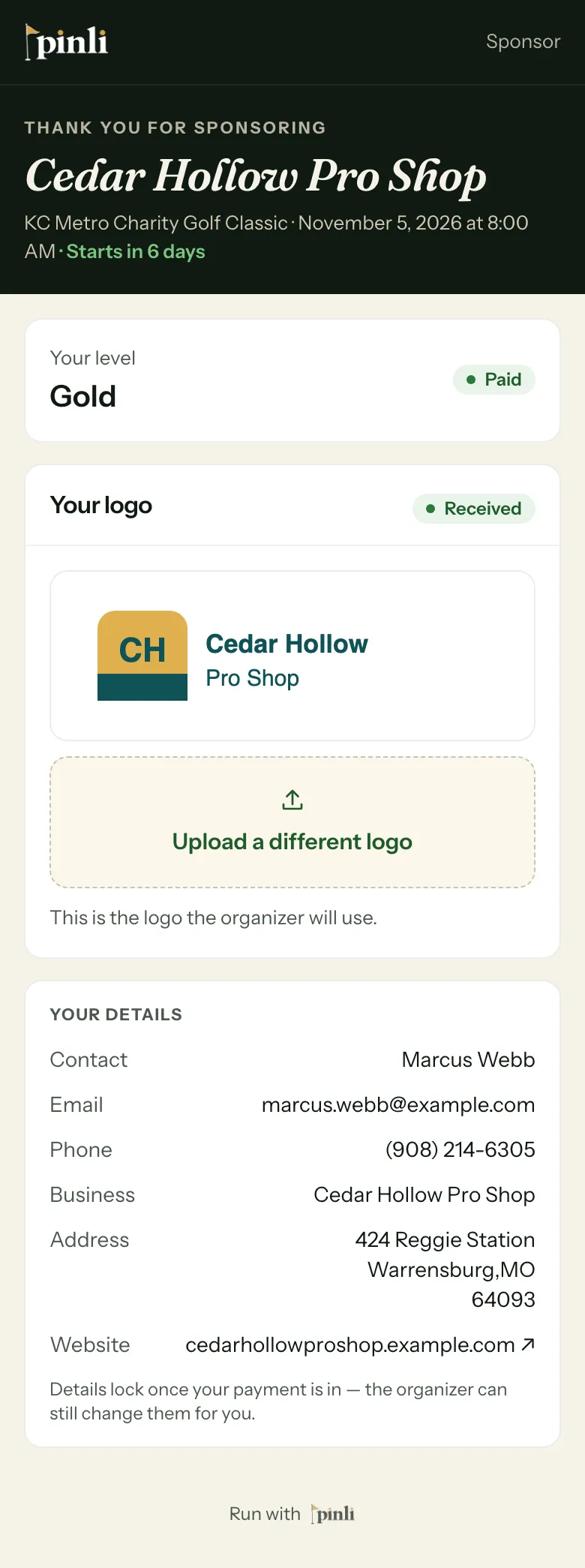
You pay by card through Stripe, and the money goes straight to the organizer. When it’s done, your level shows Paid.
If the organizer doesn’t take cards, you’ll see How to pay instead, with the options they accept, like PayPal, Venmo, a mailing address for checks, or cash or check on tournament day. The organizer marks you paid once they get it.
Send your logo
Business sponsors have a Your logo card.
- Tap Upload your logo.
- Pick a PNG, JPEG or WebP file, up to 8 MB. A PNG with a transparent background works best.
- It’s checked automatically, usually within a minute. It shows Received when it’s ready.
To change it later, tap Upload a different logo. No logo? No problem. Your name is printed instead.
What if my sponsorship includes a team?
Some levels come with a team spot. Once your payment is recorded, your team shows under Your team. Tap Manage team to fill in the roster, or Copy link to send it to whoever is captaining.
Common questions
Can I change my details? Yes, until your payment is in. Tap Edit under Your details. After that, ask the organizer to make changes.
When does my logo show up? The tournament’s scoreboard shows paid sponsors, so your logo appears once your sponsorship is paid.
My logo upload didn’t work. If the page says it couldn’t use your upload, try a different file. A PNG with a transparent background works best.