
Why can't I send messages anymore?
Either the tournament is still on the free trial, where sending unlocks when you activate, or it's more than 30 days after your tournament, when messaging closes for good.
On this page
There are two reasons the composer won’t let you send. Which one you’re seeing depends on where your tournament is.
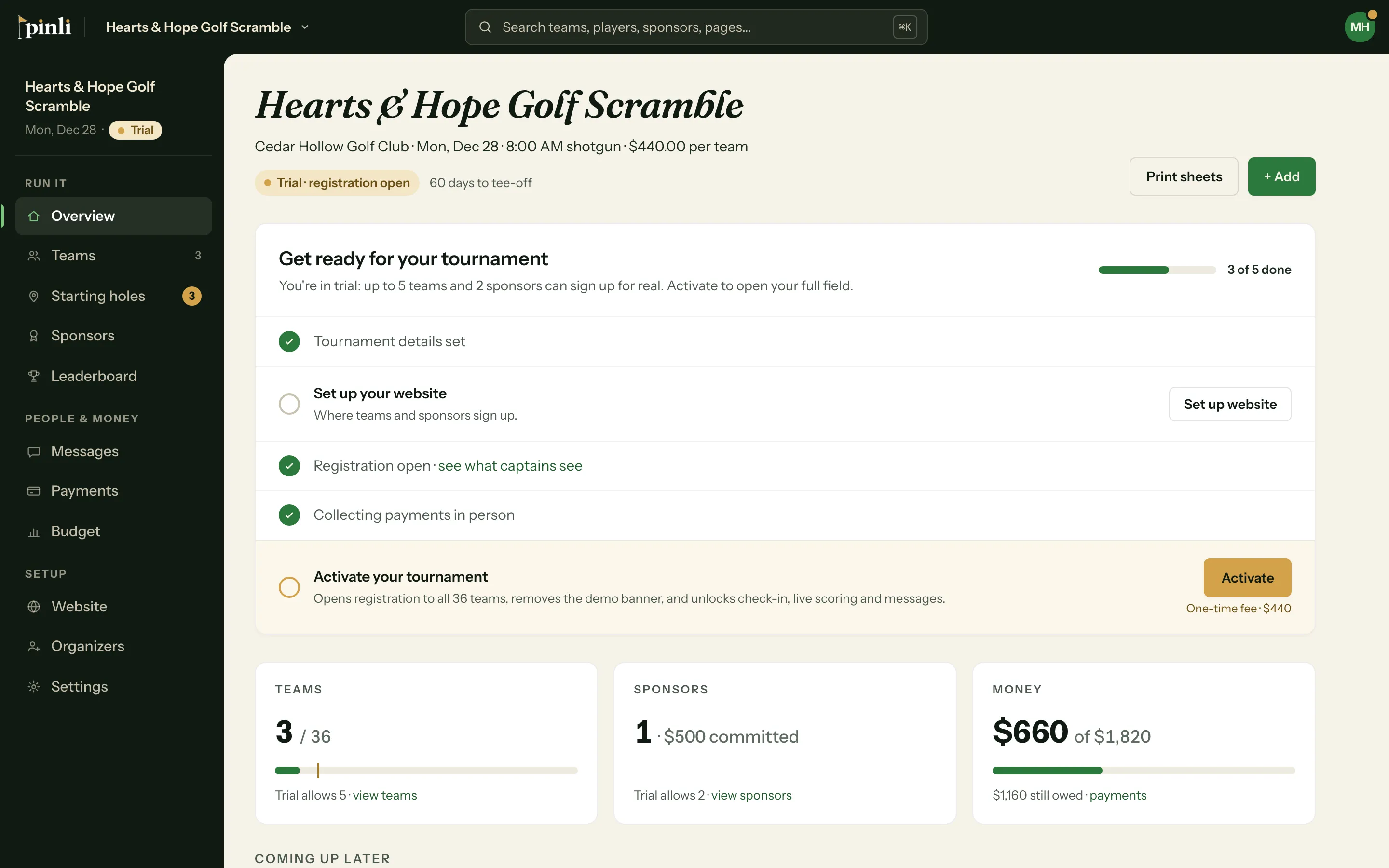
Your tournament is on the free trial
On a trial, you can write messages, save drafts, and use Send test to me. Sending to your field and scheduling unlock when you activate. You’ll see Sending unlocks when you activate. next to Save draft.
Your drafts stay put. Activate from the Overview, open the draft, and send it.
It’s been more than 30 days since the tournament
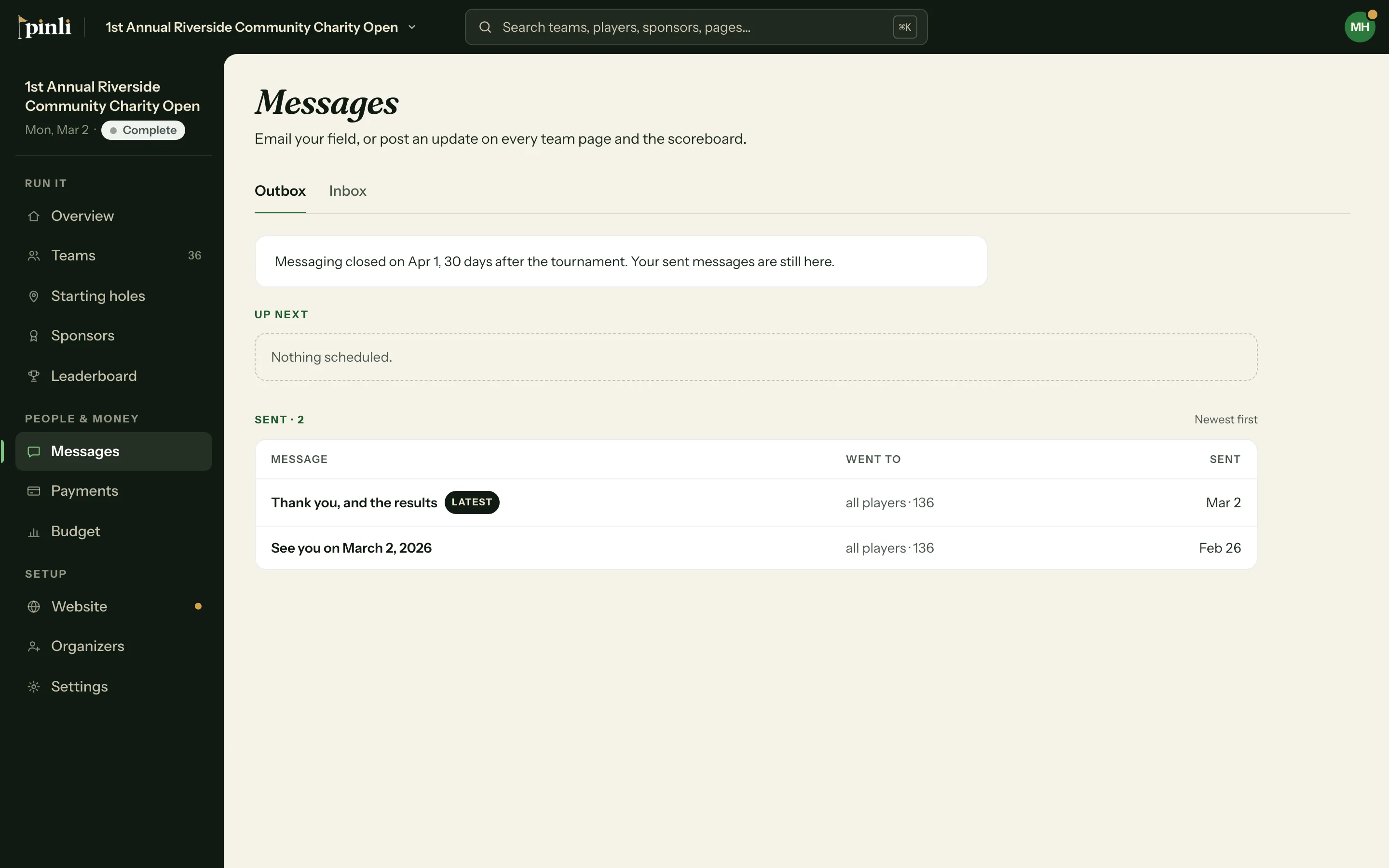
Messaging stays open until the end of the 30th day after your tournament date, in your tournament’s timezone. That’s plenty of time for thank-yous and results.
In the last week, the Messages page shows when it closes, like Messaging closes Nov 15. After that:
- You can’t send, schedule or test-send messages.
- + New message and the suggestions are gone.
- Drafts open read-only.
- Your sent messages are all still there.
A message scheduled for after the cutoff can’t be saved, and one that comes due after it (for example, because the tournament date moved) is cancelled instead of sent.
Common questions
Why does messaging close? So an old tournament can’t be used to email people months later. Everyone on your list signed up for one event.
Can I reopen messaging? No. If you’re running the event again next year, set up next year’s tournament. It has its own messaging window.
What happens to messages I already sent? Nothing. They’ve already gone out, and they stay in your list so you can look back at who got what.