
How do I sign in to Pinli?
Sign in with your password, have Pinli email you a one-time sign-in link, or use Continue with Google. Team captains, players and sponsors don't need an account.
On this page
Your Pinli account is for running tournaments. There are three ways to sign in, and you can use whichever is easiest that day.
With your password
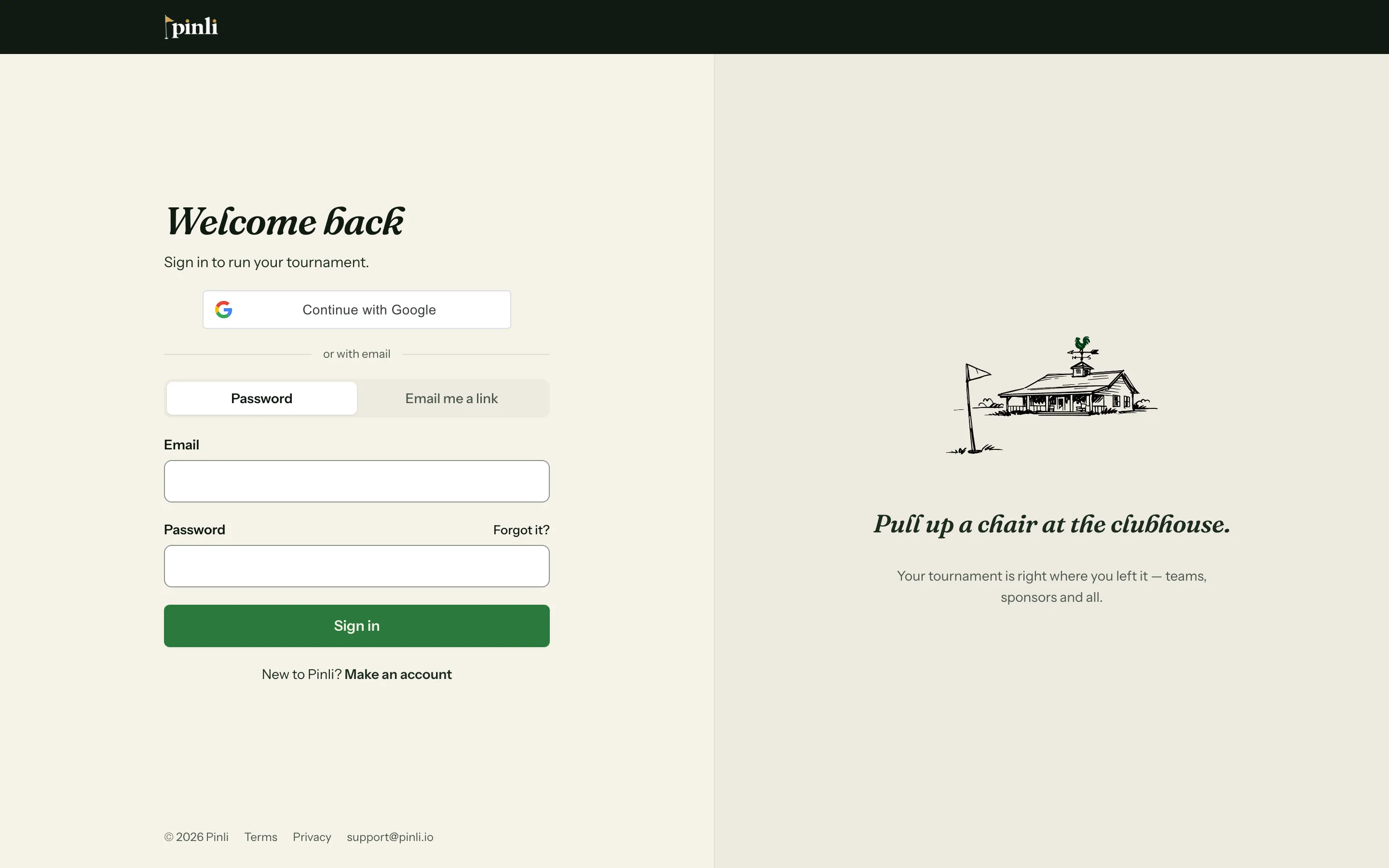
- Go to the sign-in page and choose Password.
- Enter your email and password.
- Click Sign in.
With a link from your email
- On the sign-in page, choose Email me a link.
- Enter your email and click Email me a sign-in link.
- Open the email and tap the link. You’re signed in.
Each link works once and lasts an hour. If it has expired, ask for a fresh one.
With Google
Click Continue with Google at the top of the sign-in page. If you already have a Pinli account with the same email, Google signs you into it. If you don’t, Pinli makes one for you.
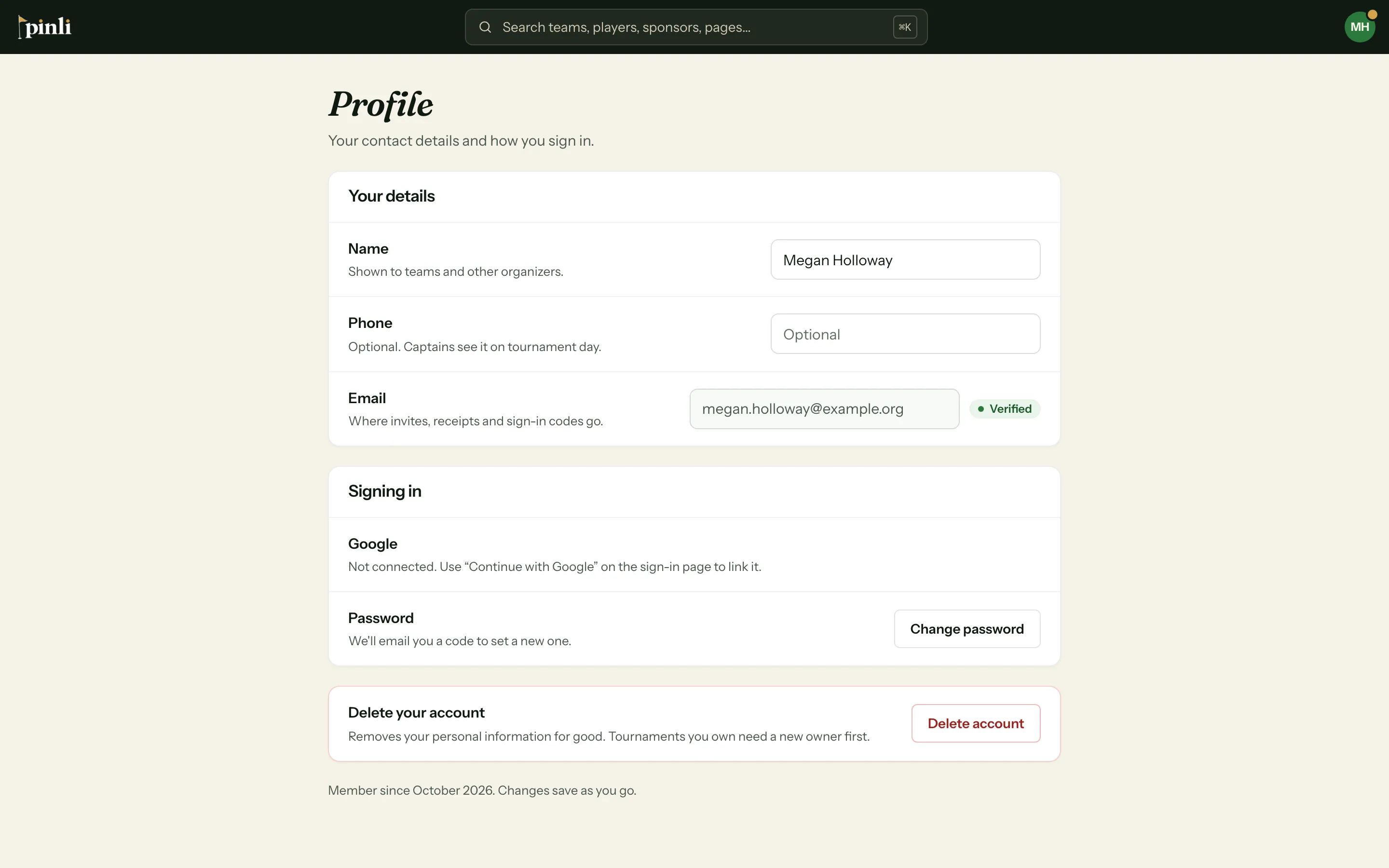
You can see whether Google is connected, or disconnect it, in Profile → Signing in.
Forgot your password?
- On the sign-in page, click Forgot it? next to the password box.
- Enter your email and click Send reset code.
- Enter the 6-digit code from the email, then your new password twice.
- Sign in with your new password.
Common questions
It says my account is paused. After too many wrong passwords in a row, Pinli pauses sign-in for 15 minutes. Click Reset my password to get back in right away.
It asked me for a code when I signed in. Your email isn’t verified yet. Pinli sends a 6-digit code to your email. Enter it to finish signing in.
Do my team captains need an account? No. Captains, players and sponsors use the links in their confirmation emails. Only organizers sign in.
I sign in with Google. Can I add a password too? Yes. Go to Profile → Signing in and click Set a password.